Computers
Parts of a computer, mouse and keyboard practice, putting steps in order, binary numbers, pixel art and staying safe online: first computer lessons for young children.
📖 Read and learn
🖥️ Inside the computer
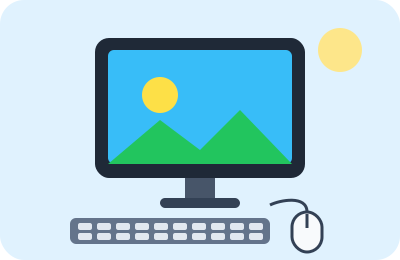 What is a computer?A computer is a clever machine that helps us write, draw, calculate, play and talk to…
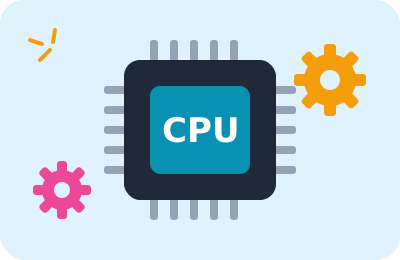 How does a computer work?Everything a computer does goes through four stages: we put information in, it processes…
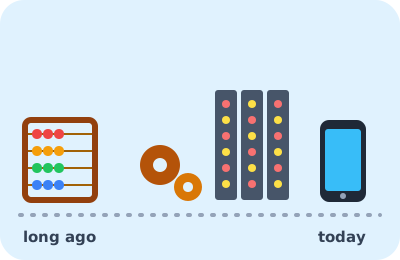 The story of the computerThousands of years before computers, people counted on their fingers and with pebbles,…
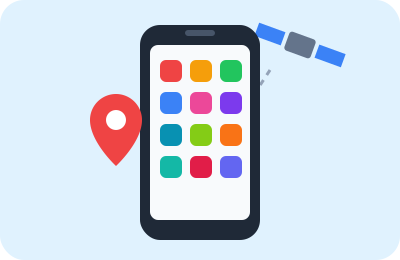 The smartphone: a computer in your pocketA smartphone isn't just a phone: it's a small computer with a camera, a map, a…
 Screen colors: red, green and blueLook at a screen through a magnifying glass and you'll discover a secret: every dot is…
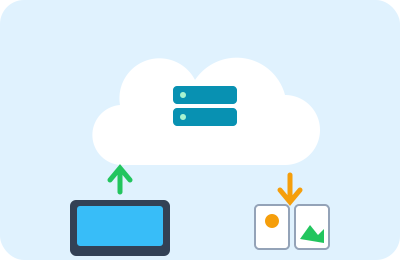 Where are my files kept? Storage and the cloudA computer stores photos, games and homework in its memory as 0s and 1s. Some stay…
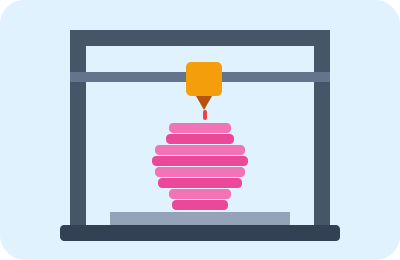 3D printingAn ordinary printer draws on a flat sheet, but a 3D printer makes real things you can…
🌐 The internet and email
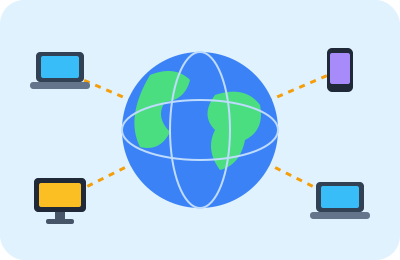 The internet: a network that connects the worldThe internet is a huge network linking billions of computers and phones all over the…
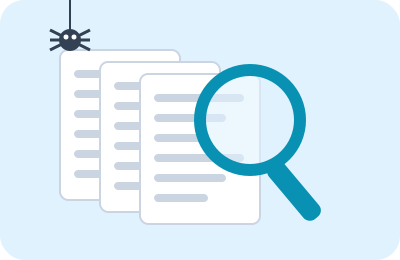 How does a search engine find the answer?You type your question into a search engine, and in less than a second pages from all…
 EmailAn email is a message written on a computer that reaches its owner's inbox in seconds,…
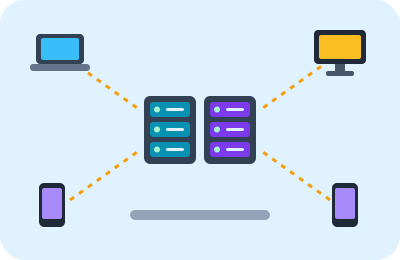 The server: a computer that serves everyoneWhen you open a website, watch a video or send a message, your device asks for what it…
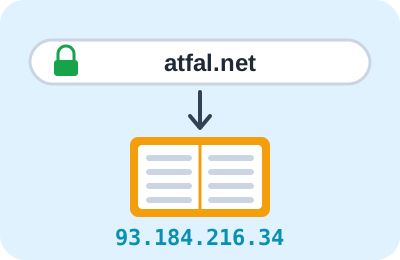 How does the browser find a website? Addresses and domain namesEvery device connected to the internet has an address made of numbers, like a phone…
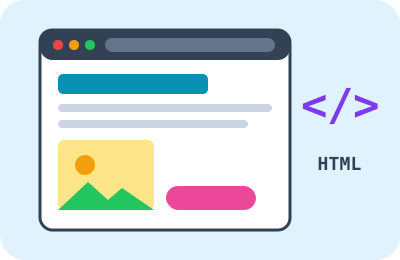 How is a web page made?Every page you see on the internet, like the one you're reading now, is written in a…
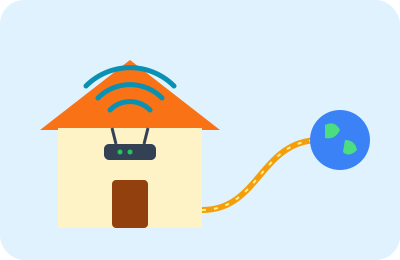 Networks and Wi-Fi: from home to the worldWhen you connect to the internet from home, a long journey begins: from your device to…
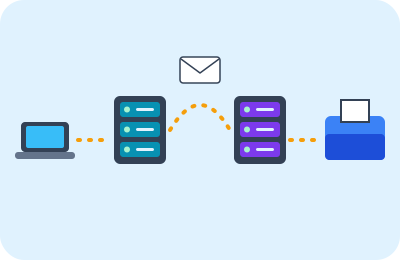 An email's journeyYou write a message to your grandmother and press “Send”, and seconds later it reaches…
🤖 Coding and AI
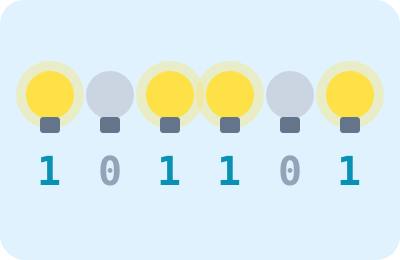 The computer's language: 0 and 1We write numbers with ten digits, 0 to 9. But a computer only knows two: 0 and 1! Inside…
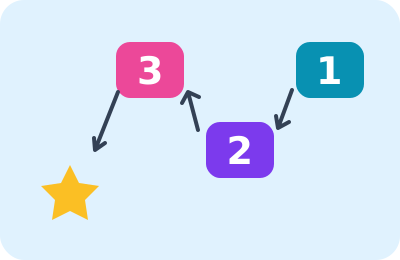 Al-Khwarizmi and algorithmsAn algorithm is a list of steps in order that we follow to get a task done: a cake…
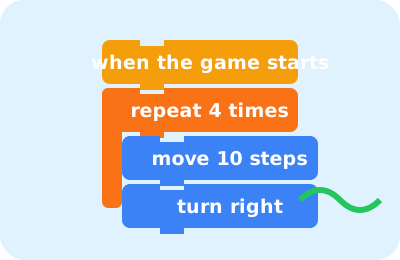 Coding: how do we talk to a computer?Coding means writing instructions that a computer understands and carries out. Every…
 RobotsA robot is a machine that moves and works on its own thanks to a small computer inside…
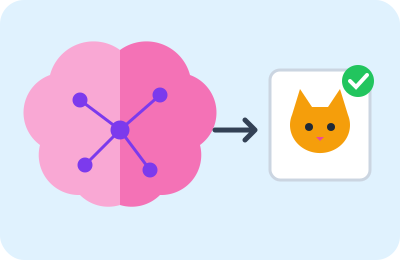 Artificial intelligenceArtificial intelligence means computer programs that learn from huge numbers of…
 How are video games made?Behind every video game is a whole team: programmers who write its rules, artists who…
🛡️ Safety and health
 Passwords and virusesJust as we lock the front door with a key, we protect our computer accounts with a…
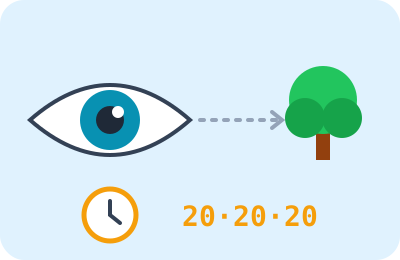 My health in front of screensComputers and phones are useful and fun, but sitting in front of them for a long time…
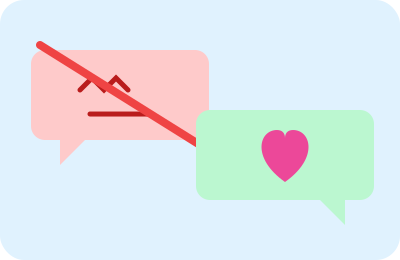 Cyberbullying: what should I do?Cyberbullying is when someone hurts another person online: with hurtful words, mockery,…
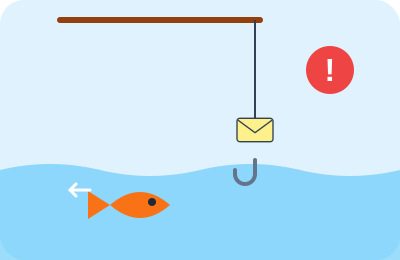 Trick messages: don't take the bait!Just as a fisherman uses tasty bait to catch a fish, some tricksters send tempting…
🖥️ Discover the computer
- 🖥️Parts of a computerLearn the parts of a computer and what each one does. Tap a card to find out whether it's an input or an output device.
- ❓Computer parts quizRead the question and pick the right answer.
- 🌈Mix screen colorsEvery color on the screen is a mix of red, green and blue light. Change the strength of the three lights to make the color asked for.
🖱️ Mouse and keyboard
🤖 Thinking and coding
- 📋Put the steps in orderA computer follows steps in order. Tap the steps in the right order to write the program, then press “Run”.
- 🔁Loops in codingInstead of writing the same command many times, we tell the computer: “repeat”. Find the program that makes the necklace.
- 🔀If… elseA computer decides with conditions: “if…, do this, else do that”. Read the rule and put each thing in the right box.
- 🤖Program the robotWrite a program with the arrows so the robot reaches the battery, then press “Run”. Watch out for the rocks!
- 🔢Binary numbersA computer counts with only 0 and 1! Flip the cards until the dots showing add up to the number asked for.
- 🟦Pixel artA picture on the screen is made of tiny squares called pixels. The digit 1 means “color it” and 0 means “leave it white”.
🌐 The internet and email
- 📦The packets' journeyThe message is split into packets. Guide each packet from your computer 💻 to the server 🖥️ by tapping neighboring routers, and avoid the broken ones 🚧.
- 🗄️Be the server!You are the server! Devices ask for pages: quickly send each one the page it asked for, and if you don't have it, answer “404”.
- ✉️Write an emailWrite the address, subject and message as in a real email program, then send it and watch its journey to the inbox.
- 🎣Real message or trick?Open the inbox and read each message: is it safe or a trick?